
Greensville Owner of Record Card
The owner question begins with the Greensville assessment card. The Commissioner of the Revenue page names Owner Name as a search key and notes that a card may include summary information, improvements, sketches, and photos. The full card sits behind an acknowledgement screen. Accept it, and the live result shows the exact owner label and neighboring fields. Treat the name as the assessment owner only. It is a current tax-system entry, not a title certification.
| Verified search key | Owner Name, Parcel Number, or Address. |
|---|---|
| Confirmed categories | Summary, improvements, sketches, and photos if available. |
| Owner label | The result-card wording was not exposed; verify on the live record. |
| Mailing and situs | Separate fields are not confirmed in the accessible page text. |
| Last sale and value history | Not confirmed as card fields. |
| Recorded owner proof | Newest deed of conveyance in SRA or a clerk copy. |
The official property-card page is the entry point for the assessment record. Its acknowledgement screen comes first. That step must be accepted before any live card opens.
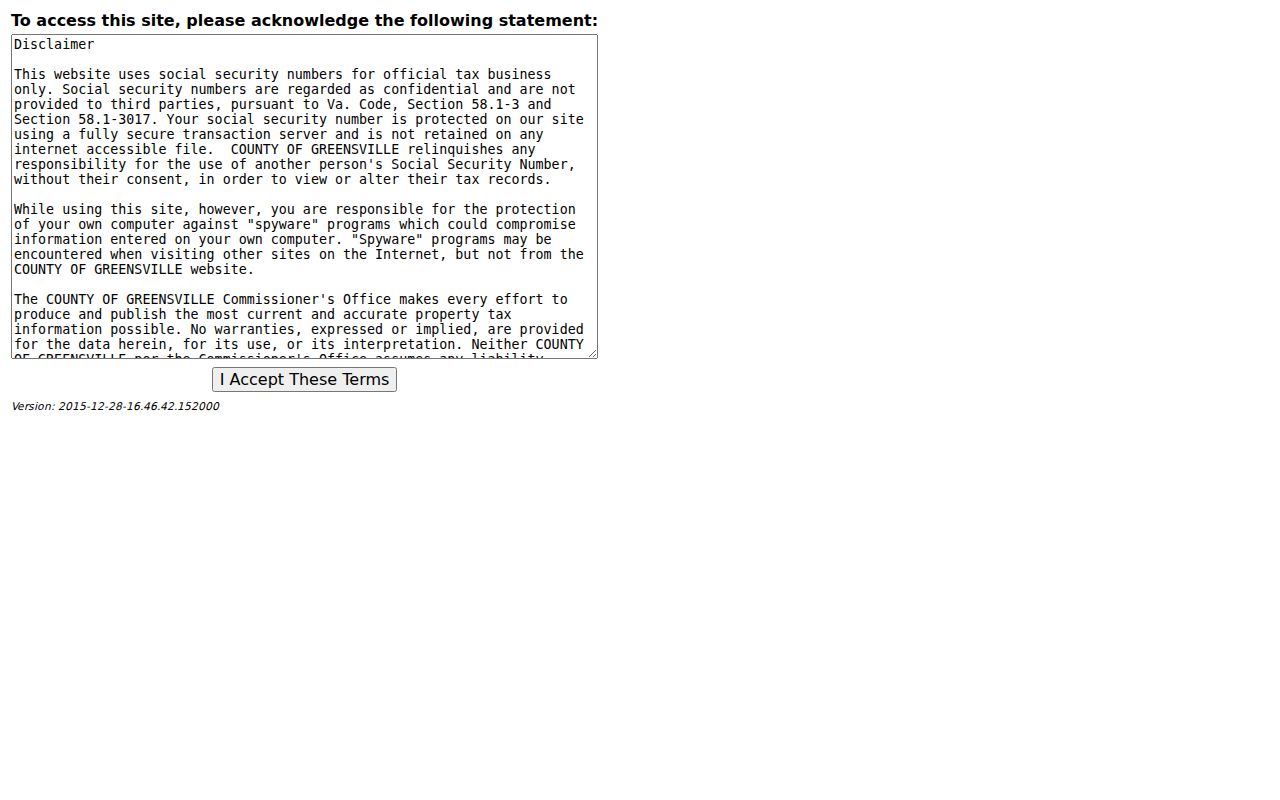
The image shows only an access step, with no owner name or sample parcel.
Greensville Current Owner Fields
Copy the exact field labels first. Do that before relying on any line. Note the owner name, parcel number, situs address, mailing address, value fields, and any last-sale reference the card displays. Skip whatever it does not show. The county's landing page lists no full field inventory. Describe Greensville owner records at the level the card supports, without inventing an exemption, sales history, or parcel format.
Keep the parcel ID with the name. A same-name result can point to another parcel or person, and an entity may use punctuation different from a deed. The assessment card works best beside the legal description and map location. Never guess from the mailing address alone. If two rows seem plausible, ask the Commissioner to identify the correct assessment record.
Greensville Current Deed Check
Compare the assessment owner with the newest recorded deed. Search the name as grantee in Virginia SRA/COVERS. Confirm the instrument is a conveyance, not a deed of trust, release, or easement. Read the grantor, grantee, recording date, and legal description. A deed's recording date often matters more than its signing date when you judge which public source is newer.
SRA index-only access may be free where the clerk enables it. Terms vary by locality. Instrument images are controlled by the local clerk and can require a signed agreement or subscription fee. The official material states no Greensville online cutoff. If an image is not available, ask the Circuit Court Clerk for an office terminal, a copy, or a certified record and its current price.
Keep the index citation even when an image stays closed. Note the grantee search, instrument type, recording date, and the book, page, or instrument reference. That lets the Clerk pull the same item at the counter. It also separates a later release or deed of trust from a true conveyance. Several deeds may surface. Compare each legal description and parcel context instead of assuming the latest date covers the whole parcel. No universal online cutoff exists for Greensville. An empty result should lead to a clerk inquiry. Never assume that no deed exists.
Greensville Owner Update Timing
No Greensville source publishes the interval between a closing and an assessment-card update. So never call a recent sale delayed by a set number of days or months. Check the current recorded deed. Save the recording date. If the property card still shows the seller, ask the Commissioner whether the assessment entry has been updated or when a new card can be reviewed.
The Treasurer's payment system may show the prior account name for a period. It answers a tax question. Neither a tax bill nor a map label overrides the land instrument. When sources disagree, report the difference and the dates. Never pick one side without an explanation.
Greensville Situs Versus Mailing
Situs is where the parcel physically sits. Mailing is where the tax notice goes. The two can differ for a post office box, a trust, a business, an agent, or an owner living elsewhere. Never treat the mailing city as parcel jurisdiction. Emporia is an independent city with separate land records, and Jarratt crosses Greensville and Sussex. Match the parcel to the right jurisdiction before anything else.
Use WebGIS and the recorded description to place the land, then confirm with the relevant clerk. An Emporia postal address may sit on independent-city land or county land, and a Jarratt mailing line may fall on either side of the county boundary. Postal lines do not follow the county boundary. The map orients the search. Greensville WebGIS itself says its linework is not a survey.
Greensville Entity Owner Names
Greensville deed records often list owners beyond a single person. An LLC, a trust, an estate, or several grantees may appear instead. Search the exact name printed on the parcel record. Then compare it against the deed party. For a company or trust, check the Virginia SCC Clerk's Information System. It can show the registered legal name or agent. It will not prove that the entity holds a parcel. For an estate, see the Greensville Circuit Court Clerk's probate file. It may explain the fiduciary's role. It may also show any transfer order behind the conveyance.
Read the instrument before labeling a fiduciary as the owner of record. A trustee signs for a trust. An executor may convey estate land under a will. A court order granting that authority also permits it. The assessor's card can show the name used for the tax roll. The deed names who actually received the interest. Match the role word precisely whenever you note the current owner.
Greensville Parcel Identifier
The parcel number is the steady key for the county card, the Treasurer, and WebGIS. It ties everything together once you know it. Copy it exactly as displayed, zeros and punctuation included. Greensville has not published its syntax or prefix pattern on official pages. An older deed may carry no parcel ID at all. When that happens, preserve the book and page plus the legal description. Then ask the Commissioner about a cross-reference. Do not assume the current number applied when the deed was signed.
A tax ticket may also show a Department/Bill Number. That number identifies an account, not a property title. Keep it apart from the parcel number and the deed reference. The distinction keeps a current owner inquiry clear. It stops a bill, a map key, and a land-record instrument from getting mixed.
Confirming a Greensville Current Owner
Use this compact check when the card name may be recent or unclear.
- Find the parcel with the official Commissioner search and save the card date.
- Search the displayed name in SRA as grantee and identify the latest conveyance.
- Compare the deed's land description with the parcel and any recorded plat.
- Check the recording date against the card date and ask the Commissioner about a mismatch.
When no live card or deed image is available online, call or visit the clerk for land records. The Commissioner handles the assessment display. Ask about unofficial or certified copies and fees. No local copy schedule is published. Virginia FOIA can request an existing public record, but it does not require a title opinion or a new search product.